STEAM
 ORIGIN
 UPLAY
 PC
 Taiwan(繁體中文)
 United States(English)
 United Kingdom(English)
 Germany(Deutsch)
 France(Français)
 Spain(Español)
 Italy(Italiano)
 Czech(česká republika)
 Poland(Polski)
 Portugal(Português)
 Brazil(Português)
 Hungary(Hungarian)
 Greece(Ελληνικά)
 Slovak(Slovenčina)
 Romania(România)
 Croatia(Hrvatski)

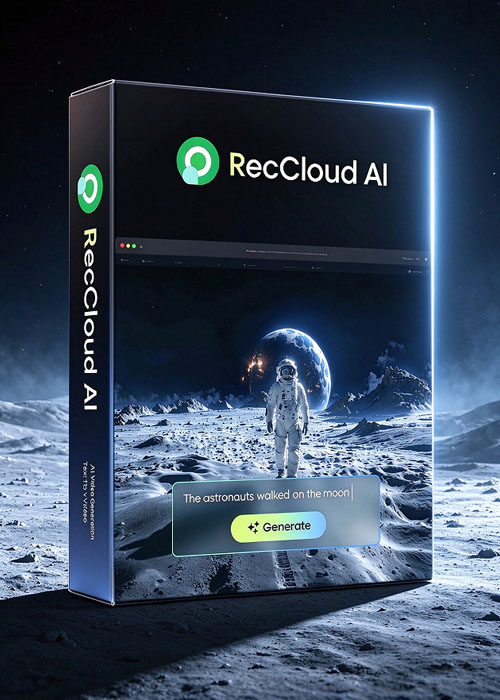
Reccloud AI Pro Annual Plan
1,696.00TWD
1,884.00TWD
-10%
平台:

區域:

標籤:
Apowersoft Software
股票:
有現貨
數量:
1-500
產品描述
Click here to download Reccloud AI
Product Overview
RecCloud is an all-in-one, AI-powered multimedia platform designed to streamline video and audio creation, editing, and management. It integrates advanced features like AI speech-to-text, text-to-speech, subtitle generation and translation, video summarization, text-to-video generation, screen recording, and secure cloud storage—making multimedia workflows effortless for creators, educators, and professionals.
Key Features
- AI Speech-to-Text: Accurately convert audio or video into text, with support for multilingual recognition, summarization, polishing, and translation.
- AI Text-to-Speech & Multi-Voice Dubbing: Transform text into natural-sounding speech. Supports multiple voices—including character styles—and enables multi-role dubbing for videos, audiobooks, and narrations.
- AI Subtitle Generation & Translation: Automatically generate subtitles in over 99 languages and customize styling for enhanced accessibility and engagement.
- AI Video Translation: Instantly add translated voiceovers and subtitles to videos, perfect for global content distribution.
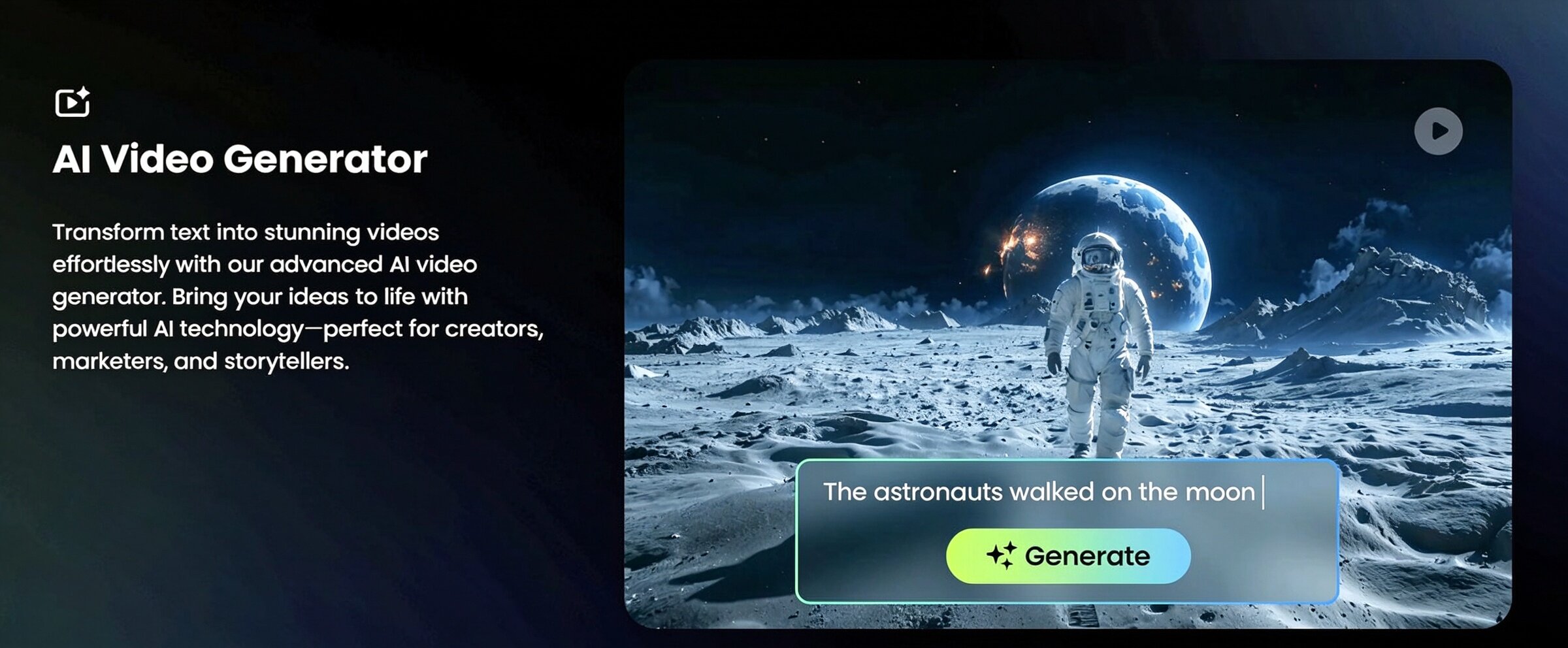
- AI Text-to-Video: Create full videos from text scripts with AI-assisted creativity and speed—ideal for marketing clips and social content.
- Screen Recording & Basic Editing: Capture your screen (desktop, browser, app), with options to trim, crop, merge, or extract audio—no additional software required.
- AI Summarizer: Generate concise summaries of long videos or transcripts to improve content digestibility.
- Secure Cloud Storage & Collaboration: Upload, manage, and share media via encrypted cloud storage with playlist organization, access controls, QR/link sharing, and team collaboration features.
- Browser-Based, Cross-Platform Access: Use RecCloud entirely online or via its Windows/Mac apps—compatible across devices with no heavy installations.
Marketing Messages & Use Cases
- Content Creators & Marketers: Fast-track video production with AI dubbing, subtitles, and text-to-video tools.
- Educators & Trainers: Record and transcribe classes, create subtitles, or generate video summaries—all in one platform.
- Businesses & Remote Teams: Capture webinars or demos, produce translated content, and securely share videos with collaborators.
- Students & Everyday Users: Easily record tutorials, convert lectures to text, and generate shareable summaries.
- Global Audiences: Auto-translation and multilingual voice generation break language barriers for broader reach.
Unique selling point
- Comprehensive AI Multimedia Suite: From speech recognition to video generation and dubbing—everything tightly integrated in a single platform.
- Highly Accessible: Browser-based access with optional desktop apps—no demanding installations or steep learning curves.
- Global-Ready: Supports transcription and subtitle generation in 99+ languages, enabling multilingual content with minimal effort.
- Advanced Dubbing Tools: Multi-voice AI dubbing capability allows seamless creation of content with diverse characters or conversational formats.
- Secure and Collaborative Cloud Storage: Encrypted, distributed data storage with team management, secure sharing, and playlist features.
- Fast Content Turnaround: AI summarizing and text-to-video accelerate content production and repurposing.
- Versatility Across Use Cases: Tailored for creators, educators, enterprises, gamers—anyone needing multimedia content.
- No-Fuss Recording & Editing: Capture screen activity and perform basic edits directly online; ideal for quick demos or lessons.